Introduction — Why a Minimalist Workspace Makes Remote Work Easier
Many people working from home notice the same pattern: their desk starts clean and simple, but over time more items appear — extra cables, gadgets, papers, and decorations. Before long, the workspace feels crowded and distracting.
A cluttered desk doesn’t just look messy; it also makes focusing harder and creates mental fatigue. Many remote workers even say they feel stressed just looking at their desk after a busy day.
A minimalist home office setup aims to solve this problem by keeping only what truly improves comfort and productivity. Instead of adding more furniture or accessories, minimalism focuses on simplifying the environment.
A minimalist workspace doesn’t mean empty or boring. It means practical, calm, and efficient — a space that supports work without overwhelming the room.
In this guide, you’ll learn practical minimalist home office setup ideas, real remote work situations, and actionable advice to create a workspace that stays clean, comfortable, and easy to maintain.

Real-Life Situations That Lead to Workspace Clutter
Most cluttered home offices don’t start that way. It usually happens gradually.
Common scenarios include:
- Remote workers adding equipment over time
- Notebooks and paperwork piling up
- Extra chargers and cables filling desk space
- Decorations and accessories accumulating
- Temporary items becoming permanent desk clutter
Typical results:
- Harder to focus during work
- Desk space shrinking over time
- Cleaning becoming difficult
- Increased mental stress
- Workspace feeling chaotic
Many people realize their workspace feels stressful even before starting work each morning.
Minimalist setups help prevent clutter from returning.
Setup Idea 1: Keep Only What You Use Daily on the Desk
A minimalist desk should only hold essential daily items.
Typical essentials include
- Laptop or monitor
- Keyboard and mouse
- Desk lamp
- Notebook or planner
- Water or coffee mug
Everything else should move into storage.
Real-life improvement:
Many remote workers say removing unnecessary items instantly makes work feel calmer and more organized.
A clear desk often leads to clearer thinking.
Setup Idea 2: Choose Simple, Compact Furniture
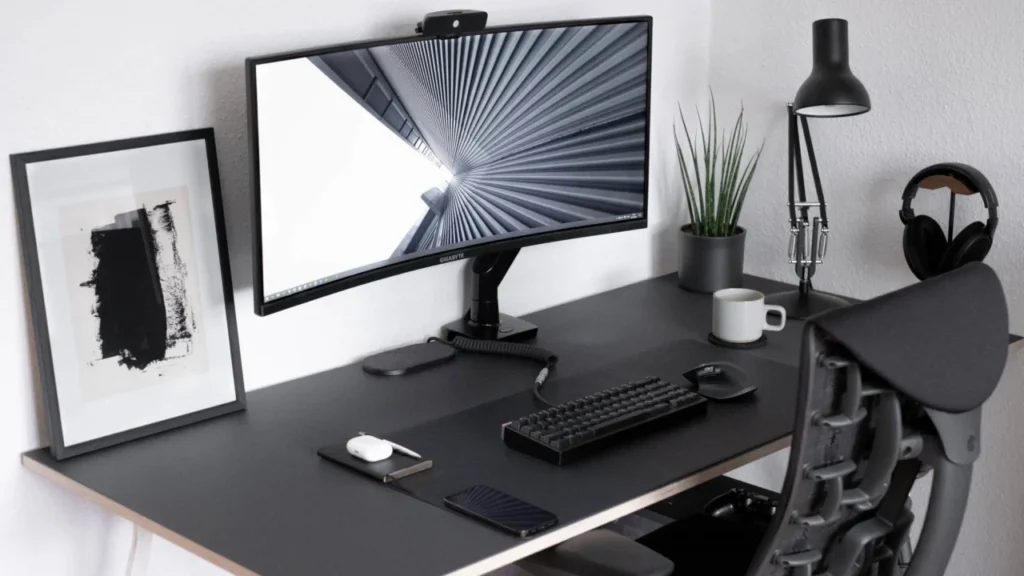
Furniture strongly influences how minimal a workspace feels.
Large furniture often makes small homes feel crowded, even if the desk itself is clean.
Better minimalist furniture choices
- Slim desks with simple design
- Compact ergonomic chairs
- Neutral color furniture
- Lightweight furniture easy to move
Smaller furniture makes rooms feel more open and comfortable.
🔗【Best Office Chairs for Small Home Offices & Apartments】
Setup Idea 3: Hide Cables and Accessories
Cable clutter is one of the fastest ways to ruin a minimalist workspace.
Many desks look messy simply because cables are visible.
Easy cable organization solutions
- Use cable sleeves or clips
- Mount power strips under desks
- Route cables behind furniture
- Use wireless accessories when possible
Workers often feel immediate visual relief once cables are hidden.
Setup Idea 4: Use Calm Colors and Limited Decoration
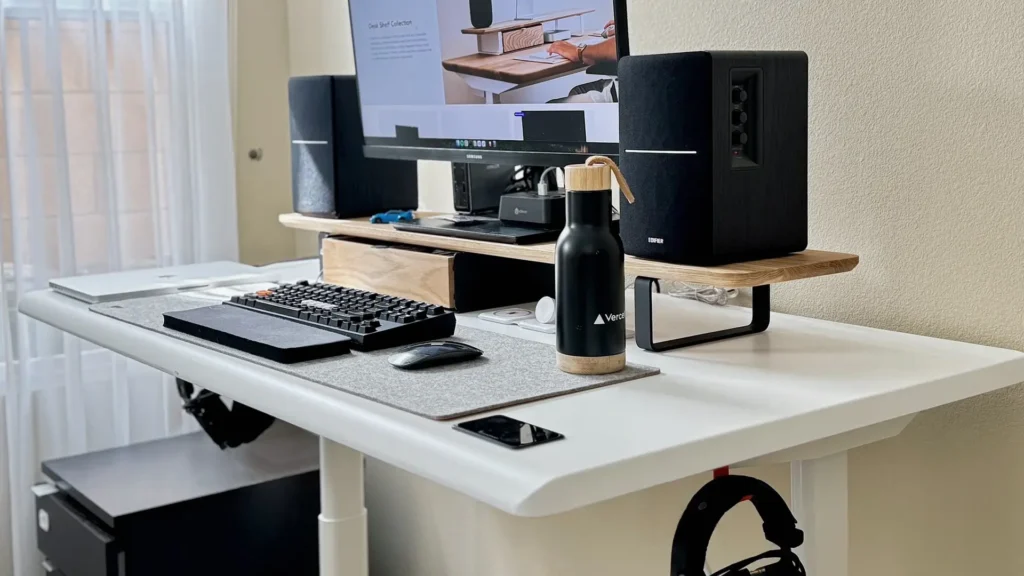
Minimalist spaces rely on calm visual environments.
Too many colors or decorations distract attention.
Popular minimalist color styles
- White and light gray
- Beige and natural tones
- Soft wood finishes
- Black-and-white contrast
Decor should stay minimal — perhaps one plant, one artwork, or one personal item.
This keeps personality without clutter.
Setup Idea 5: Move Storage Off the Desk
Desks should stay open for work.
Storage should move upward or below the desk.
Smart storage solutions
- Floating shelves
- Wall organizers
- Drawer units under desks
- Monitor stands with storage
Keeping surfaces clear helps maintain long-term organization.
Comfort Improvements Without Adding Clutter
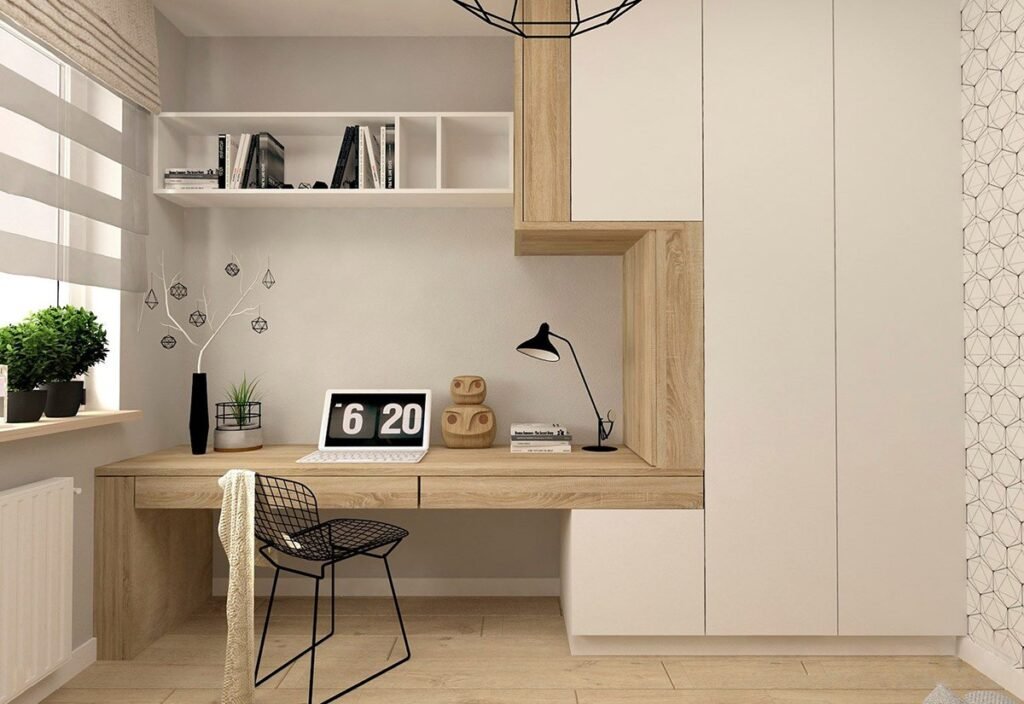
Minimalism should improve comfort, not reduce it.
✔ Invest in a comfortable ergonomic chair
Comfort matters more than aesthetics, especially for long sitting hours.
🔗【Best Office Chairs for Long Working Hours at Home】
✔ Improve lighting quality
Balanced lighting reduces eye strain and improves focus.
✔ Reset your desk daily
Clearing your desk after work prevents clutter buildup.
✔ Maintain airflow
Minimalist rooms sometimes lack ventilation; breathable chairs help.
🔗【8 Best Mesh Ergonomic Chairs for Breathable Comfort During Long Work Hours】
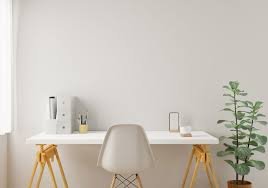
Buying Advice: Minimalism Means Buying Smarter
Instead of buying many items, focus on essentials that improve daily comfort.
1) Ergonomic Chair
Comfort directly impacts productivity and health.
2) Compact Desk
A smaller desk encourages organization.
3) Better Lighting
Lighting upgrades reduce fatigue.
4) Hidden Storage Options
Keep clutter out of sight.
Mistakes to Avoid in Minimalist Workspaces
Common mistakes include:
- Choosing style over comfort
- Removing useful storage completely
- Making the room feel empty or cold
- Ignoring lighting quality
- Using uncomfortable chairs
Minimalism should support productivity, not reduce comfort.
Final Thoughts
A minimalist home office setup helps remote workers stay focused and relaxed by reducing distractions and clutter.
Start with small improvements: clear unnecessary items, organize cables, and choose furniture carefully. Over time, your workspace becomes easier to maintain and more enjoyable to use.
A clean and simple workspace often leads to a clearer and more productive workday.